
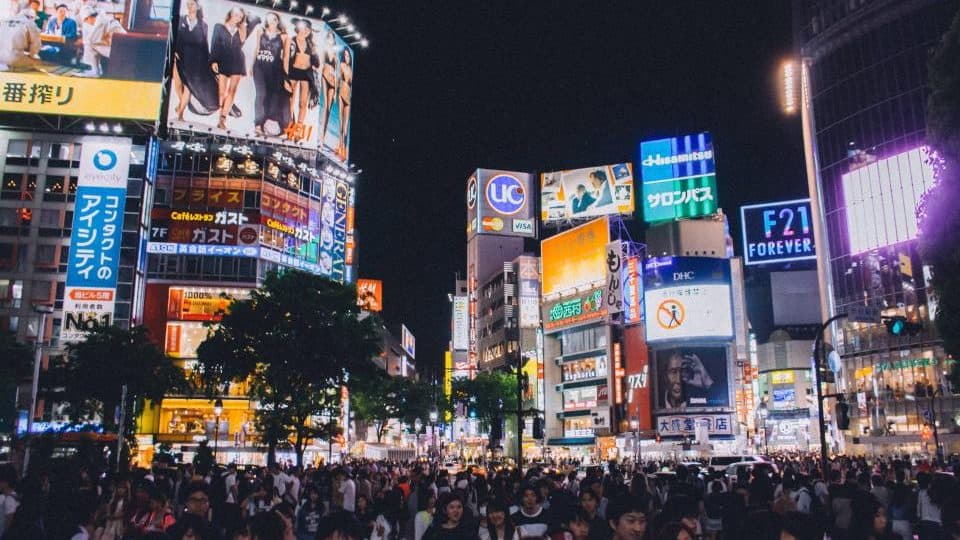
Demo: typing “neon crossing at night, from above” into Voogle’s search finds the Shibuya crossing clip, with the matching range marked.


 For content creators and editors
Shot it once.
Find it forever.
Voogle reads every clip: the scenes, the words, the places and the faces. A half-remembered detail is enough to find the take.
Demo: searching the transcript for “lease” finds two lines and jumps the player to 04:12, then 05:47.
Demo: clicking pins on a world map opens the clips shot in Kyoto, Brooklyn, Big Sur and Tokyo.

Demo: picking Maya, Nina or Leo shows their face in a frame and every clip they appear in.




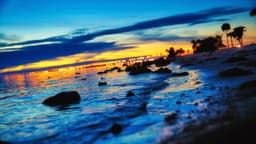
Built for the two people
who dig through footage most.
Creators searching their own archive, and editors searching someone else’s. Same problem: the take is in there somewhere.
For content creators 00:04
00:04
“I know I filmed it. I just can’t find it.”
Hundreds of clips called IMG_4823, spread across your Mac, a drive and iCloud.
Describe what’s on screencoffee pour, close up
00:04B-roll — coffee pour
Someone pours coffee into a white cup
With Voogle you can
- Find the take you already shot instead of reshooting it.
- Pull every clip of a guest or a friend across a year of vlogs.
- Reuse b-roll by describing it: “coffee pour”, “crowd at night”.
For editors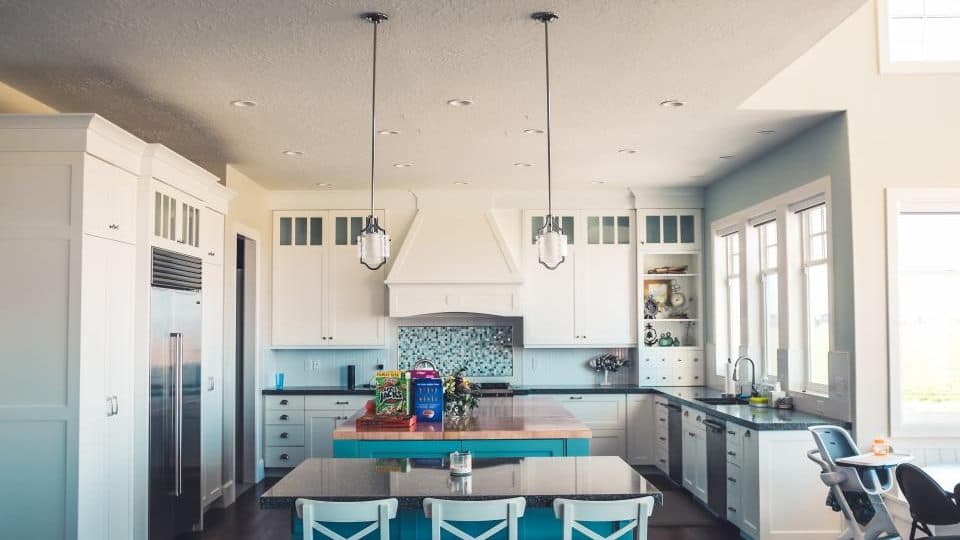 04:12
04:12
“Use the bit where she talks about the lease.”
A client’s footage dump, a vague note and no logs.
Search what’s saidlease
04:12Lease walkthrough — kitchen
“…so the lease runs through March…”
With Voogle you can
- Search a client’s footage dump by what was said.
- Land on the exact second you need in an 11-minute file.
- Drag clips from the shelf straight into Premiere Pro, Final Cut Pro or Resolve.
Stack filters until
only the take is left.
Search, people and places work together. Start broad, add one more thing you remember, and watch 312 clips turn into two.
Demo: searching for “roof”, then adding Maya and then Bushwick, Brooklyn narrows 312 clips down to two.
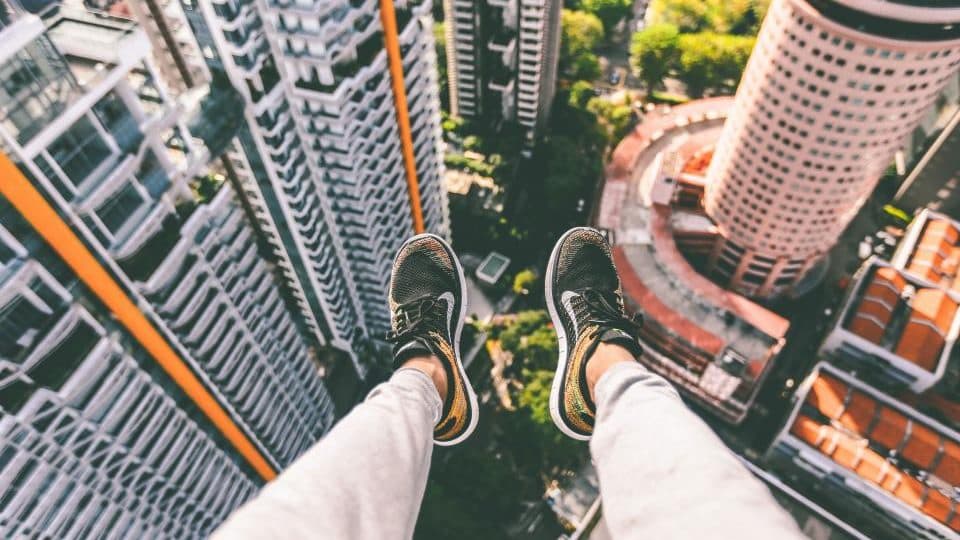
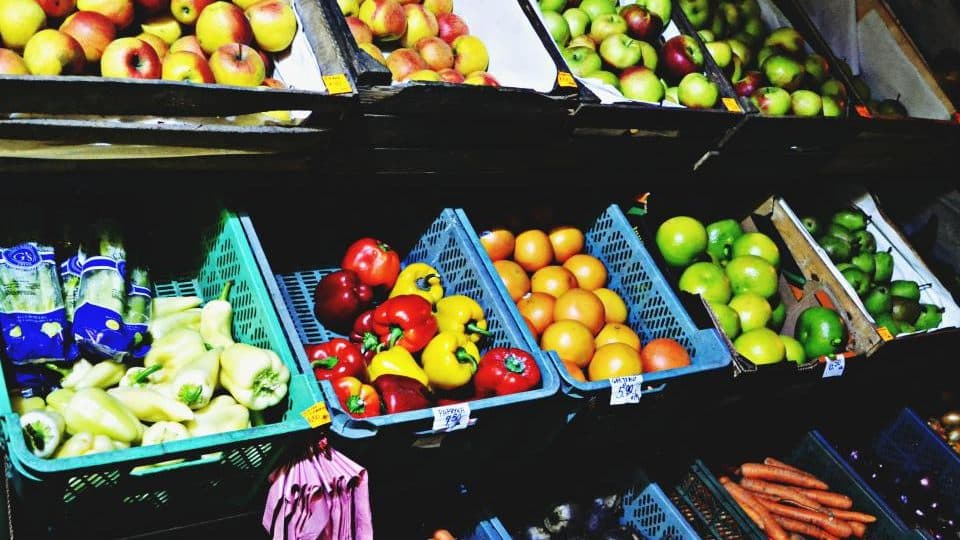
Search
What’s said or on screen. A line from the transcript, or a description of the shot.
People
Who’s in it. One person, or two people who have to be in the same clip.
Places
Where it was shot. A city, a neighbourhood, or everything with no location yet.
Shelf
Collect the good bits, then drag them into your edit.
Drop clips onto the shelf as you find them, then drag them into Premiere Pro, Final Cut Pro, DaVinci Resolve or any app that takes dropped files.
Shelf4 items
6:04Lease walkthrough
Found at 04:12
 2:38
2:38Rooftop golden hour v3
Whole clip
 11:20
11:20Maya interview take 2
Found at 00:21
0:41B-roll — coffee pour
Whole clip
Sorted by shoot, not by filename.
Every import becomes a session you can come back to.



Client shoot — lease
26 clips · Brooklyn, NY · processing now


Kyoto trip
26 clips · Kyoto · yesterday


Big Sur drive
10 clips · Big Sur, CA · 6 days ago
Every drive, one library.
Your Mac, iCloud and the SSD in your bag, searched together.
Macintosh HD
~/Movies/Voogle
iCloud Drive
Voogle folder in iCloud Drive
Samsung T7
External drive